Overview
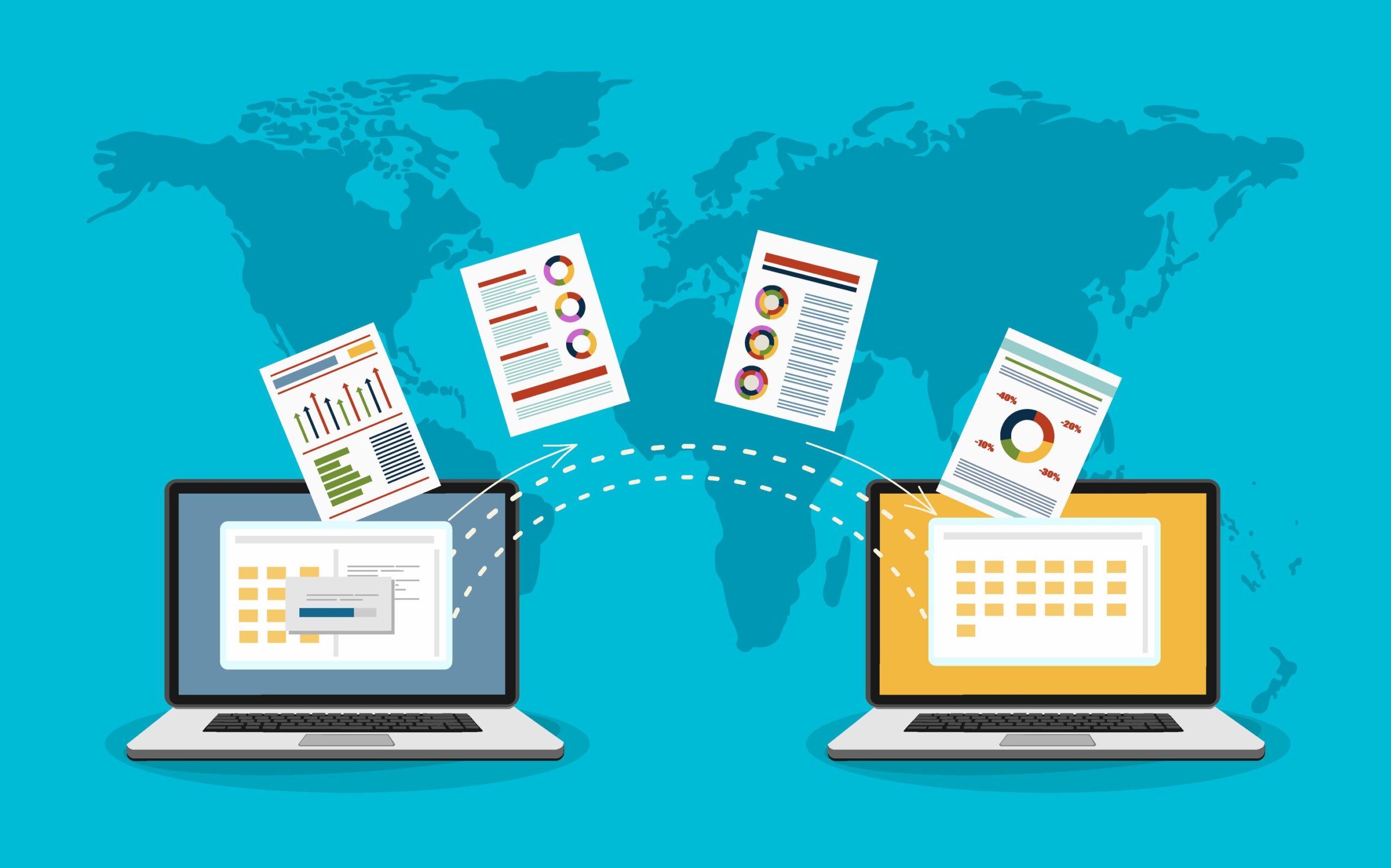
A SharePoint intranet is a centralized digital workplace built on Microsoft 365 that brings together people, content, and business processes into a single, secure platform. It allows organizations to store and manage documents in one place, making information easy to find, update, and share across teams without confusion or duplication.
By integrating with tools like Microsoft Teams for communication, OneDrive for file storage, Power Automate for workflow automation, and Power BI for data insights, SharePoint transforms everyday work into a more connected and efficient experience. Employees can collaborate in real time, access important resources from anywhere, and complete tasks faster with automated processes.
Overall, it helps businesses reduce manual effort, improve internal communication, maintain better control over information, and scale their operations smoothly as they grow.
What is a SharePoint Intranet?
A SharePoint intranet is an internal platform built using Microsoft SharePoint that connects employees, content, and business processes in one place. It enables organizations to manage information, collaborate across teams, and improve communication through a secure, cloud-based environment.
In simple terms, it acts as a single source of truth where employees can access documents, company updates, workflows, and tools required for their daily work.
A well-designed SharePoint intranet is not just a document repository. It becomes a digital workplace that supports productivity, knowledge sharing, and employee engagement at scale.
Why SharePoint is the Preferred Choice for Intranets
Organizations across industries choose SharePoint because it combines flexibility, scalability, and deep integration with the Microsoft ecosystem.
One of its strongest advantages is seamless integration with Microsoft 365 tools such as Teams, OneDrive, Outlook, and Power Platform. This allows businesses to create a connected environment without relying heavily on third-party tools.
SharePoint also supports both structured and unstructured content, making it suitable for managing policies, training materials, knowledge bases, and real-time collaboration.
From a business perspective, it reduces operational friction by centralizing information and automating repetitive processes.
Key Features of a SharePoint Intranet
Centralized Content and Knowledge Management
SharePoint enables organizations to store all critical information in a structured and searchable format. This includes documents, policies, training materials, and internal communications.
It provides version control, approval workflows, and metadata tagging, ensuring that employees always access the most accurate and updated information.
Employee Experience and Engagement
Modern SharePoint intranets are designed to enhance employee experience. Features such as personalized dashboards, targeted news feeds, and integration with employee learning platforms help organizations build a more connected workforce.
With tools like Viva Connections, companies can deliver curated experiences directly within the intranet.
Collaboration and Communication
SharePoint integrates closely with collaboration tools, allowing teams to work together in real time. Employees can co-author documents, share updates, and communicate through integrated platforms like Teams and Yammer.
This reduces dependency on emails and improves transparency across departments.
Workflow Automation and Process Optimization
Using Power Automate, organizations can streamline business processes such as approvals, onboarding workflows, and document lifecycle management.
Automation not only saves time but also reduces human error and ensures consistency in operations.
Advanced Analytics and Insights
Integration with Power BI allows businesses to track user engagement, content performance, and workflow efficiency. These insights help continuously optimize the intranet experience.
Real-World Use Cases of SharePoint Intranet
In large enterprises, SharePoint intranet is often used as a central hub for internal communication, replacing fragmented systems and reducing reliance on email. Companies have reported significant improvements in productivity and faster decision-making after implementation.
Mid-sized organizations commonly use SharePoint to build knowledge repositories and automate onboarding processes. This helps reduce training time and ensures consistency in employee experience.
Human resource teams use intranets to manage policies, employee directories, and self-service portals, while IT departments leverage them for document governance and workflow automation.
How to Build an Intranet With SharePoint
Building an effective SharePoint intranet requires a strategic approach rather than just technical implementation.
The first step is defining clear objectives. Organizations need to identify whether the intranet will focus on communication, collaboration, knowledge management, or all three.
The next step is designing the right architecture. SharePoint offers different site types such as team sites for collaboration, communication sites for broadcasting information, and hub sites for connecting multiple departments.
User experience plays a critical role in adoption. A clean navigation structure, intuitive design, and mobile responsiveness are essential to ensure employees actively use the platform.
Integration is where SharePoint delivers maximum value. Connecting tools like Teams, Power Automate, and Power BI transforms the intranet into a fully functional digital workplace.
Governance is equally important. Defining permissions, content ownership, and lifecycle policies ensures that the platform remains organized and secure over time.
Finally, successful intranet adoption depends on training and continuous improvement. Organizations must educate employees, gather feedback, and refine the platform based on usage patterns.
SharePoint Online vs On-Premise Intranet
SharePoint Online offers a cloud-based solution with automatic updates, high scalability, and remote accessibility. It is ideal for modern organizations with distributed teams.
On-premise SharePoint provides more control over infrastructure but requires higher maintenance, manual updates, and upfront investment.
Most organizations today prefer SharePoint Online due to its flexibility and lower total cost of ownership.
Best Practices for a Successful SharePoint Intranet
A successful intranet is not just about technology but also about usability and governance.
Organizations should keep navigation simple and intuitive so that employees can easily find information. Content should be regularly updated to maintain relevance and trust.
Using metadata and structured content improves searchability and ensures that employees spend less time looking for information.
Tracking usage through analytics helps identify what is working and what needs improvement. Encouraging employee participation through feedback and engagement initiatives also increases adoption.
Common Mistakes to Avoid
One of the most common mistakes is overcomplicating the structure, which makes it difficult for users to navigate the platform.
Another issue is the lack of governance, leading to outdated or duplicated content over time.
Organizations often underestimate the importance of training, resulting in low adoption rates.
Ignoring mobile optimization is also a critical mistake, especially in hybrid work environments where employees access intranets from multiple devices.
How TrnDigital Can Help
Implementing a SharePoint intranet requires both technical expertise and strategic planning. TrnDigital helps organizations design and deploy customized intranet solutions aligned with business goals.
The approach focuses on user experience, seamless integration with Microsoft 365, and long-term scalability. From initial consulting to deployment and optimization, TrnDigital ensures that your intranet becomes a central hub for communication, collaboration, and productivity.
Frequently Asked Questions
-
What is an intranet with SharePoint?
A SharePoint intranet is an internal platform built on Microsoft 365 that enables organizations to centralize communication, manage documents, and collaborate efficiently. It connects employees, tools, and content within a secure digital environment.
-
Why is SharePoint used for intranet?
SharePoint is widely used for intranet solutions because of its strong document management capabilities, seamless integration with Microsoft tools, scalability, and built-in automation features.
-
How do you build a SharePoint intranet?
To build a SharePoint intranet, organizations need to define goals, design site architecture, create user-friendly navigation, integrate tools like Teams and Power Automate, establish governance policies, and train employees.
-
What are the benefits of SharePoint intranet?
SharePoint intranet improves collaboration, enhances communication, centralizes information, automates workflows, and increases overall productivity within organizations.
-
Is SharePoint intranet cloud-based?
Yes, SharePoint Online is a cloud-based intranet solution that allows access from anywhere, provides automatic updates, and supports scalable business operations.
-
What is SharePoint intranet used for?
It is used to manage internal communication, store and organize documents, enable collaboration, and automate workflows within an organization.
-
Is SharePoint a good intranet platform?
Yes, SharePoint is considered one of the most reliable intranet platforms due to its flexibility, scalability, and integration with Microsoft 365 tools.
-
How much does a SharePoint intranet cost?
The cost depends on Microsoft 365 licensing, customization requirements, and implementation complexity. It varies for each organization.
-
Can SharePoint replace multiple internal tools?
Yes, SharePoint can consolidate several tools by combining document management, communication, and workflow automation in one platform.
-
Who uses SharePoint intranet?
SharePoint intranet is widely used by enterprises, mid-sized companies, and government organizations for managing internal operations and communication.
Conclusion
Building an intranet with SharePoint is more than a technical implementation; it is a strategic step toward creating a connected and efficient digital workplace. With its deep integration across Microsoft 365, powerful document management capabilities, and workflow automation features, SharePoint enables organizations to centralize information, streamline collaboration, and improve employee experience.
When implemented with the right structure, governance, and user adoption strategy, a SharePoint intranet can significantly enhance productivity and reduce operational inefficiencies. Whether you are a growing business or a large enterprise, investing in a well-designed SharePoint intranet ensures long-term scalability, better knowledge management, and a more engaged workforce.
Ultimately, organizations that treat their intranet as an evolving platform—continuously optimized based on user behavior and business needs—are the ones that unlock its full value.