
Microsoft 365 Copilot Consulting & Implementation Services

Get Microsoft 365 Copilot deployed securely – and actually adopted. TrnDigital runs the full journey for you: readiness assessment, data-security and governance, pilot, rollout, and adoption. As a Microsoft partner with a Copilot specialization, we make Copilot for Microsoft 365 work inside your existing security and compliance boundary, so you see real productivity gains instead of idle licenses.
Key Takeaways
End-to-end Copilot delivery
Assessment, security, pilot, rollout, adoption, and extensibility from one accountable Microsoft partner.
Security-first
We remediate data oversharing with Microsoft Purview before Copilot goes live, so it never surfaces data a user shouldn't see.
Adoption-led
Structured change enablement turns licenses into daily use and measurable ROI.
Scales to you
From SMBs on Copilot Business to full enterprise governance and rollout.
What is Microsoft 365 Copilot?
Microsoft 365 Copilot is the AI assistant built into Teams, Outlook, Word, Excel, PowerPoint, and SharePoint. It pairs large language models with your own work data through Microsoft Graph to draft content, summarize meetings and threads, analyze data, and answer questions, all inside your tenant and your existing permissions. Our services turn that raw capability into a secure, adopted, ROI-positive deployment for your organization.
Why Copilot deployments need a partner
Turning Copilot on is simple. Making it safe, adopted, and worth the spend is where most rollouts stall:
Copilot honors existing permissions, so it instantly exposes anything users can already over-access. We fix this first.
Without enablement, employees try Copilot once and revert. Licenses become “expensive shelfware.”
Buying seats without a value framework makes impact impossible to prove. We tie every use case to a metric.
What's included in our Microsoft 365 Copilot services

Copilot Transformation
A complete program to maximize the value of Copilot for Microsoft 365, built on proven Microsoft methodologies. We implement a responsible-AI framework covering security, data protection, skills, and governance aligned to your specific Copilot objectives.

We pinpoint where you sit on the Microsoft 365 and Power Platform maturity curve and define the exact next steps for a seamless rollout licensing eligibility, identity and permissions, data oversharing, and governance gaps – delivered as a prioritized plan and pilot scope.

Our Workplace Advisory team aligns your business objectives with Copilot’s capabilities and builds a value-based business case, so you can prioritize the use cases that move the needle. It pairs naturally with our AI Center of Excellence operating model for governed scale.

Information Management, Security & Governance
Copilot is only as safe as your data estate. Using our Information Management Accelerator, we assess SharePoint governance and apply the right controls sensitivity labels, DLP, access remediation, connectors, and information architecture, so Copilot surfaces the right data and nothing more. We combine this with our Microsoft cybersecurity services for deeper hardening.

Adoption is a people problem. Our structured, people-first program covers stakeholder analysis, communications, training, support, and measurement from Proof of Value to full rollout reinforced by our AI change management practice.

Extend Copilot beyond the box with custom connectors, plug-ins, and Copilot Studio and Power Platform adding functionality and integrating your line-of-business systems.
Which Copilot is right for you?
We help you choose and license the right product before spending on seats:
|
|
Microsoft Copilot (free/web)
|
Copilot for Microsoft 365
|
Copilot Studio
|
|---|---|---|---|
|
Purpose
|
General AI chat
|
AI across your M365 apps + work data
|
Build custom copilots & agents
|
|
Data access
|
Public web only
|
Your tenant via Microsoft Graph
|
Your data + external systems
|
|
Licensing
|
Free / Entra add-on
|
Paid add-on; needs base license
|
Separate / consumption-based
|
|
Best for
|
Quick answers
|
Employee productivity in Office
|
Custom automation & workflows
|
Where Copilot delivers value, app by app
|
App
|
What Copilot does for your team
|
|---|---|
|
Teams
|
Meeting recaps, action items, and catch-up on missed conversations
|
|
Outlook
|
Summarizes long threads, drafts replies, and triages the inbox
|
|
Word
|
Drafts, rewrites, and summarizes documents from your prompts and files
|
|
Excel
|
Analyzes data, suggests formulas, and surfaces trends in plain language
|
|
PowerPoint
|
Generates decks from a prompt or an existing document
|
|
SharePoint & OneDrive
|
Finds and synthesizes answers across your organization's files
|
Why choose TrnDigital
- Microsoft partner and member of the Microsoft Content AI Partner Program, with a Copilot specialization.
- Security-first & adoption-led - we don't just turn on licenses; we build the governance and workforce capability that make Copilot stick.
- Full Microsoft ecosystem depth - Microsoft 365, Azure, Purview, Power Platform, and Copilot Studio under one roof.
- Right-sized for you - cost-effective engagements tailored to SMB and enterprise alike, with a track record of measurable outcomes.
Explore the broader operating model in our AI enablement services.
Related Blogs
Get the latest Copilot insights:


Unlocking Enterprise Growth: Leveraging Microsoft Copilot Studio and Azure AI for Hyper-Personalized Customer Experiences in 2026
Read More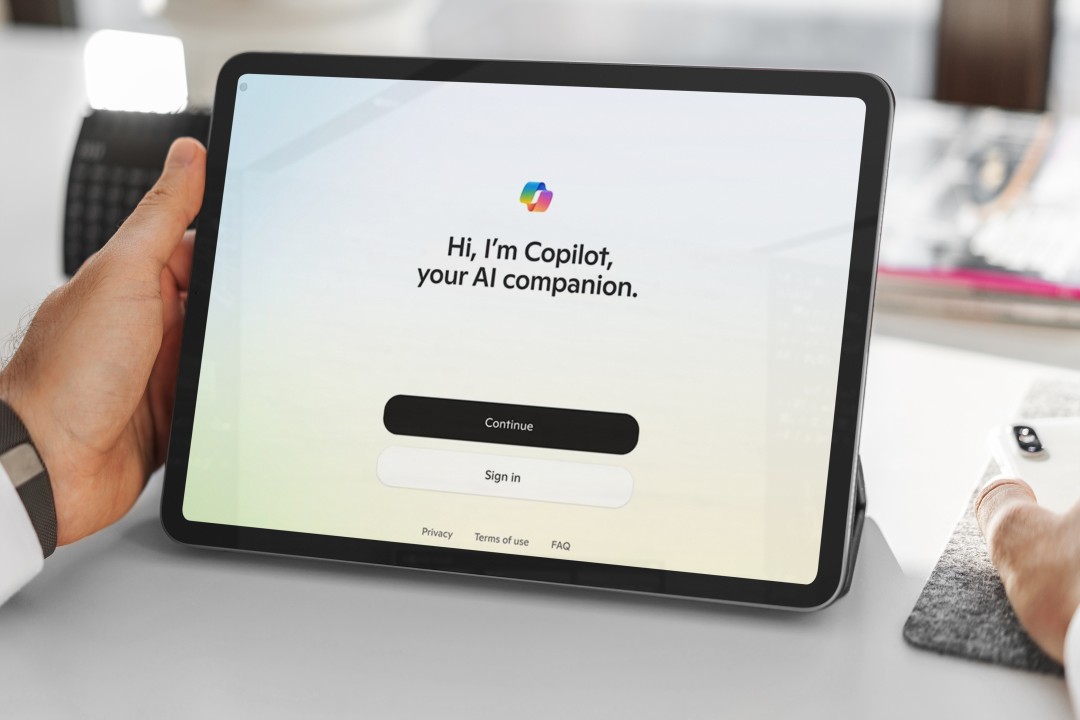

Frequently Asked Questions
Microsoft 365 Copilot is an AI assistant built into Teams, Outlook, Word, Excel, PowerPoint, and SharePoint. It combines large language models with your organization's work data via Microsoft Graph to draft content, summarize meetings and threads, analyze data, and answer questions - all within your existing security and compliance boundary.
The full lifecycle: a readiness assessment (licensing, identity, permissions, data governance), data-security remediation with Microsoft Purview, a targeted pilot, enterprise rollout, change enablement and training, and custom extensibility with Copilot Studio delivered as one accountable program.
Each user needs a qualifying base license first - typically Microsoft 365 E3/E5, Business Standard/Premium, or Office 365 E1/E3/E5. Our license-management team helps confirm eligibility and optimize your license mix before rollout.
A readiness assessment checks licensing eligibility, identity and access (Entra ID), permissions and data oversharing across SharePoint/OneDrive/Teams, and data governance (sensitivity labels and DLP with Purview). The output is a prioritized plan and a pilot scope.
Most organizations complete readiness, data-security remediation, and a first pilot in about 6-9 weeks, then scale over the following weeks. Timelines depend on tenant size, governance maturity, and number of use cases.
Copilot only accesses content a user already has rights to - the real risk is pre-existing oversharing. We harden this before rollout with Purview sensitivity labels, DLP, and access remediation, so Copilot never surfaces data a user shouldn't see.
The free Microsoft Copilot is a general web chat assistant with no access to internal data. Copilot for Microsoft 365 is a licensed add-on that works inside your Office apps and reasons over your own emails, files, chats, and meetings via Microsoft Graph.
Yes - using Copilot Studio, custom connectors, and plug-ins we extend Copilot to your line-of-business systems and build custom copilots and agents tailored to your workflows.
Both. The engagement scales down for smaller organizations (a lightweight readiness check plus one or two high-value use cases on Copilot Business) and up to full enterprise governance and rollout.
Schedule a free consultation with TrnDigital. We’ll review your licensing, security posture, data governance, and highest-value Copilot use cases – and map your path to a secure, high-adoption rollout.
- Copilot readiness and data-oversharing assessment
- Microsoft Purview governance and security review
- Licensing and cost-optimization guidance
- High-value use-case discovery and pilot plan