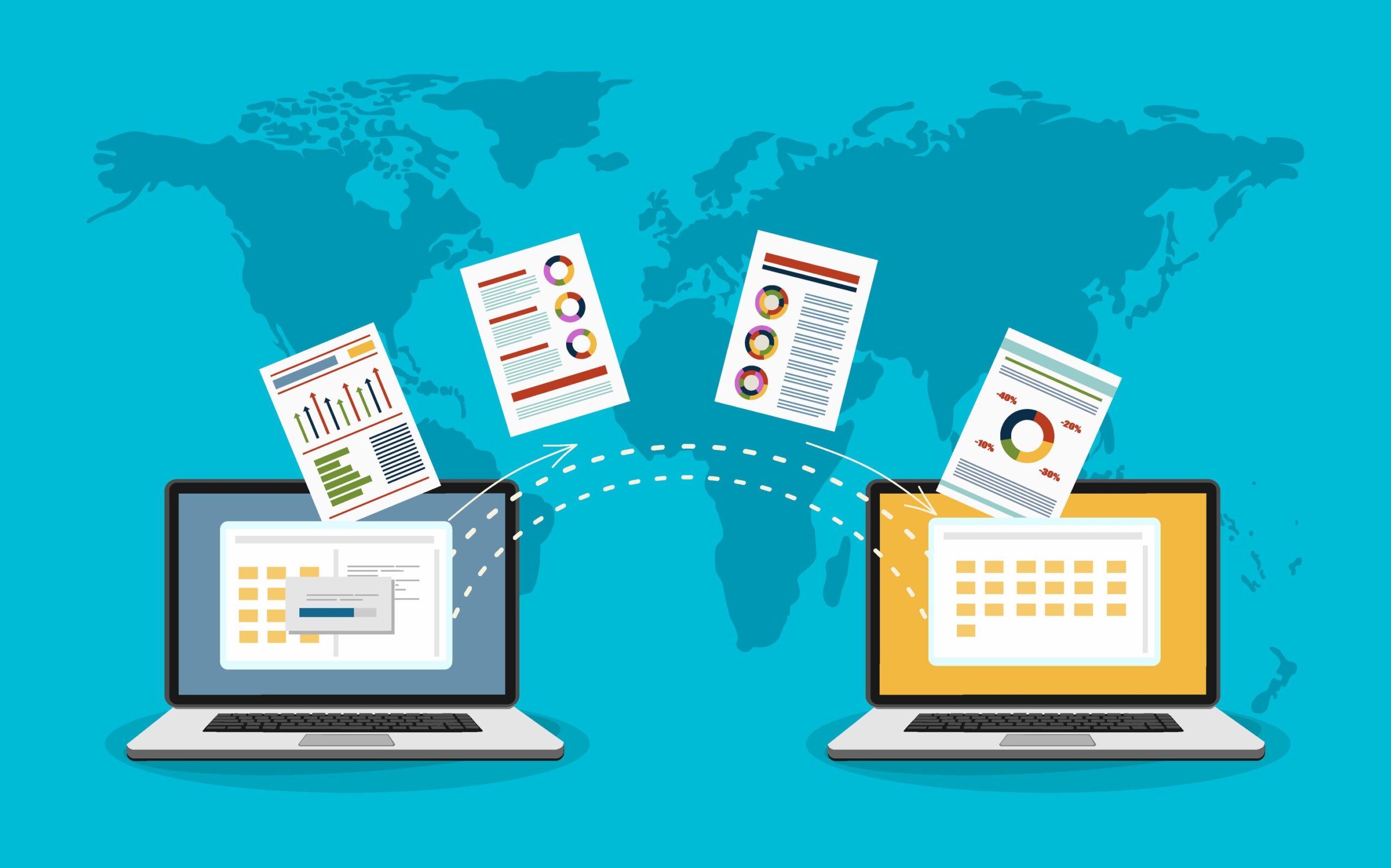
Migrate to SharePoint Online: Step-by-Step Guide- In today’s cloud-driven workplace, collaboration, scalability, and security are essential for business success. SharePoint Online, part of Microsoft 365, has become a powerful platform for document management, intranet portals, and enterprise collaboration.
Many organizations are now migrating from on-premises SharePoint or legacy file systems to the cloud to modernize their digital workplace. The result? Improved accessibility, reduced infrastructure costs, and tighter integration with tools like Teams and OneDrive.
This guide walks IT teams through a practical roadmap of SharePoint Online migration steps — from planning and preparation to execution and post-migration optimization — ensuring a smooth and secure transition.
Understanding SharePoint Migration
A SharePoint migration is the process of moving content — such as sites, documents, workflows, and metadata — from an on-premises SharePoint environment or other platforms into SharePoint Online within Microsoft 365.
Common migration scenarios include:
- On-Premises SharePoint → SharePoint Online
- File Shares → SharePoint Online
- Integration with Microsoft Teams and OneDrive
However, migrating to the cloud isn’t always straightforward. IT teams often face challenges such as:
- Large data volumes and complex site structures
- Permission inconsistencies
- Metadata and versioning conflicts
- Downtime risks
- Ensuring user adoption post-migration
Proper planning, governance, and tool selection are critical to overcoming these challenges.
Pre-Migration Planning
Effective SharePoint Online migration begins with detailed planning.
1. Assessment & Discovery
Start by performing a complete inventory of your existing environment:
- Sites, lists, document libraries, workflows, and custom scripts
- Identify redundant, outdated, or unused content
- Analyze user permissions and content usage patterns
This step helps reduce migration effort and storage costs by eliminating unnecessary data.
2. Choosing the Right Migration Approach
You can migrate content manually or by using automated tools.
- Microsoft Native Tools: The SharePoint Migration Tool (SPMT) and Mover are free, reliable options for standard migrations.
- Third-Party Tools: For complex scenarios, tools like ShareGate, Metalogix, and AvePoint provide richer features — such as scheduling, reporting, and error handling.
The right choice depends on your data complexity, timeline, and governance requirements.
3. Define Your Migration Strategy
Define the migration model that best fits your organization:
- Lift-and-shift: Move everything “as-is” with minimal restructuring.
- Restructuring: Reorganize content for better usability and compliance.
- Hybrid approach: Combine both for a balanced transition.
Set realistic timelines, milestones, and involve stakeholders early to ensure smooth communication and governance.
Preparing Your Environment
1. SharePoint Online Readiness
Before migration, make sure your Microsoft 365 SharePoint environment is ready:
- Design a scalable site architecture aligned with your business structure.
- Plan for lists, libraries, metadata, and document types.
- Establish security and compliance frameworks to protect sensitive information.
2. Preparing the Source Environment
Your source system also needs preparation:
- Clean up obsolete or duplicate files.
- Audit permissions and map users to their Microsoft 365 accounts.
- Review version history and workflows for compatibility.
This ensures that only relevant, secure, and clean data moves to the cloud.
Migration Execution
1. Pilot Migration
Begin with a pilot migration involving a small set of sites or departments.
This allows you to:
- Validate data accuracy, metadata, and permissions
- Collect user feedback
- Identify issues early before the full rollout
Successful pilot testing builds confidence and sets expectations for the final migration.
2. Full Migration
After validation, proceed with the full-scale migration.
Key steps include:
- Scheduling migration windows to minimize user disruption
- Monitoring progress in real-time using logs and dashboards
- Managing large file sizes and ensuring consistent workflows
Automated tools and IT migration frameworks can streamline this phase and minimize human error.
Post-Migration Activities
1. Validation & Testing
After migration, verify that:
- All content, links, and permissions are intact
- Workflows and integrations function properly
- Search and metadata indexing perform efficiently
A structured testing checklist ensures system stability before opening it to all users.
2. User Adoption & Training
Migration success depends on user adoption. Communicate changes early, offer hands-on training, and share updated documentation.
Encourage collaboration through Microsoft Teams and SharePoint’s new features like co-authoring, version control, and Power Automate workflows. These capabilities help users embrace the new environment quickly.
3. Optimization & Governance
Post-migration governance is vital for long-term success:
- Define site creation, permission, and retention policies
- Regularly review and archive unused sites
- Monitor performance and compliance using Microsoft 365 analytics
Continuous optimization ensures your SharePoint environment remains clean, secure, and efficient.
Troubleshooting & Best Practices
Even with the best planning, issues may occur. Common problems include broken links, missing metadata, or permission mismatches.
Here are a few tips to overcome these challenges:
- Use migration reports and logs to identify failed items.
- Re-run partial migrations for missed files.
- For large datasets, consider batch migration to reduce load.
- Always validate after each batch to maintain accuracy.
Security should never be an afterthought — enable encryption, set conditional access policies, and monitor audit logs through Microsoft 365 Security Center.
Following best practices ensures your SharePoint migration delivers both performance and peace of mind.
TrnDigital’s Expertise in SharePoint Migration
At TrnDigital, we specialize in helping enterprises plan and execute seamless SharePoint Online migration projects.
Our experts work with IT teams to:
- Assess existing environments and identify migration-ready content
- Implement modern SharePoint Online architectures integrated with Microsoft 365
- Use automation and governance tools to minimize downtime
- Deliver scalable, compliant, and secure IT migration strategies
With years of experience and deep expertise in the Microsoft ecosystem, TrnDigital ensures your migration journey is efficient, cost-effective, and aligned with business goals.
Conclusion
Migrating to SharePoint Online isn’t just about moving data — it’s about enabling smarter collaboration, tighter security, and scalable growth.
With the right SharePoint Online migration steps, thorough planning, and ongoing governance, organizations can unlock the full potential of Microsoft’s cloud ecosystem.
Partnering with experts like TrnDigital ensures that your migration is not only technically sound but strategically aligned with your digital transformation goals.