Microsoft Copilot is revolutionizing the way businesses enhance productivity and streamline workflows. In today’s hybrid and digital-first work environment, organizations are under constant pressure to do more with less—faster, smarter, and more efficiently. Microsoft Copilot, the AI-powered assistant built into Microsoft 365 apps, is meeting this challenge head-on by helping teams automate tasks, generate content, and collaborate seamlessly.
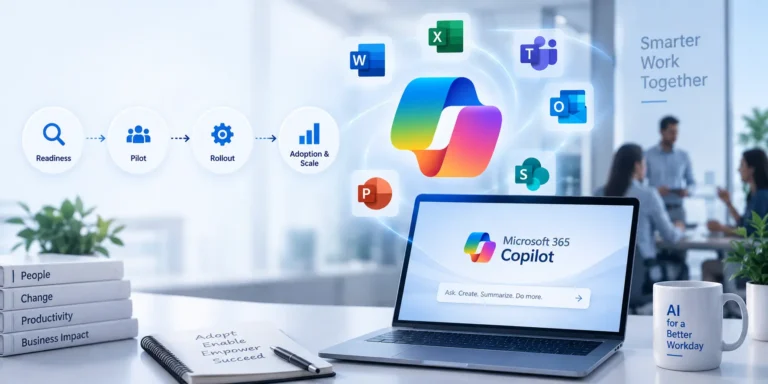
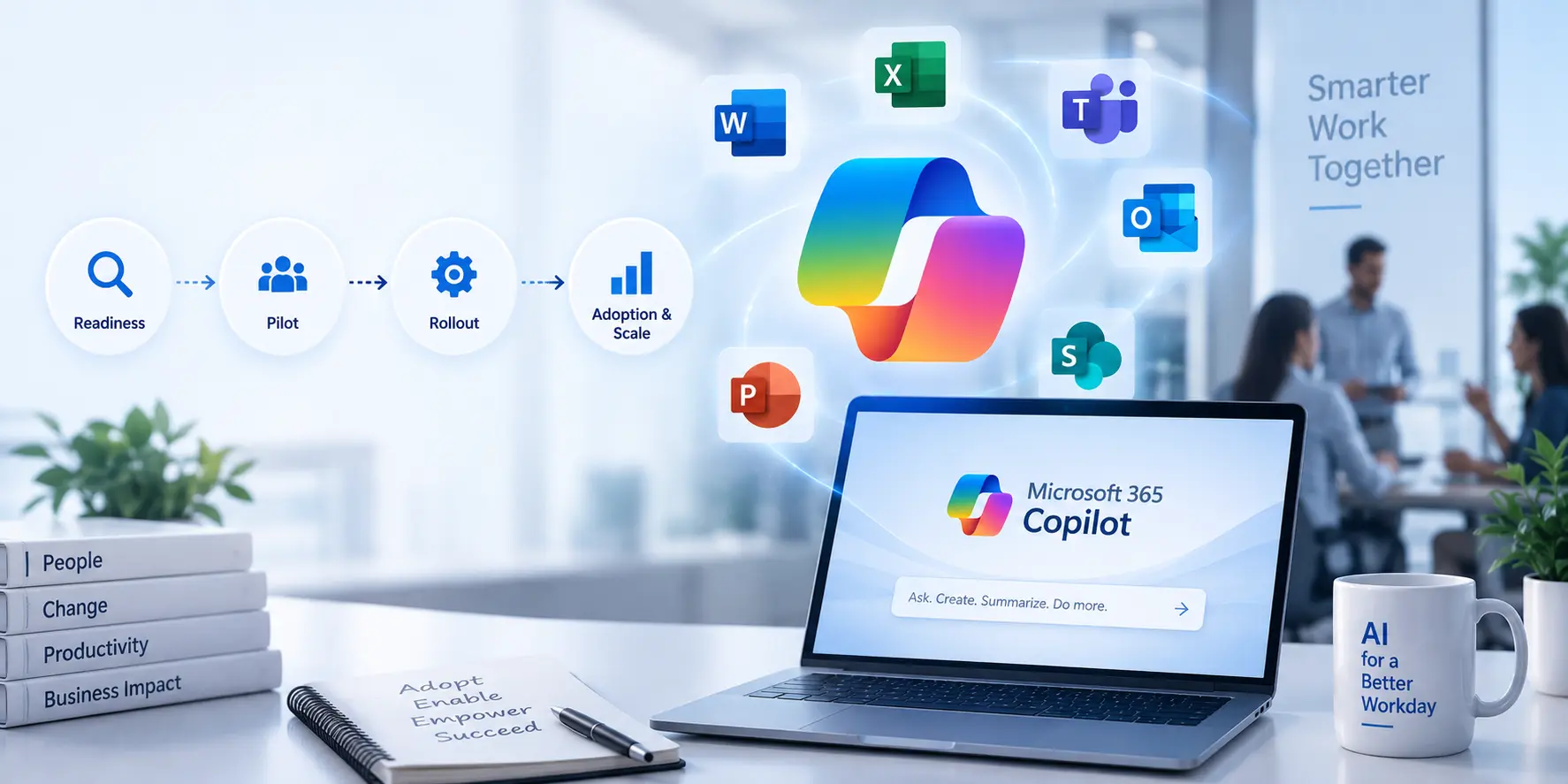
Whether you’re drafting documents in Word, analysing data in Excel, responding to emails in Outlook, or leading meetings in Teams, Microsoft Copilot integrates AI capabilities directly into your daily tools—saving time, reducing manual effort, and boosting creativity. In this blog, we’ll explore real-world success stories where Microsoft Copilot has significantly unlocked workplace efficiency and how organizations can adopt it.
Understanding Microsoft Copilot
Microsoft Copilot is a suite of AI features integrated into Microsoft 365 apps. It uses large language models (LLMs), your business data in Microsoft Graph, and the Microsoft 365 apps you already use to help employees:
- Write and summarize documents
- Analyse and visualize data
- Create stunning presentations
- Draft and manage emails
- Improve meeting collaboration
Think of it as your always-on digital co-worker—one that’s fast, intelligent, and always improving.
| Microsoft 365 App | How Copilot Helps |
| Word | Creates and summarizes documents |
| Excel | Analyses data and generates insights |
| Outlook | Drafts and summarizes emails |
| Teams | Creates meeting notes and action items |
| PowerPoint | Builds presentations from prompts |
| OneNote | Summarizes notes and ideas |
What is Microsoft Copilot for Business?
Microsoft Copilot for Business is an AI-powered assistant built into Microsoft 365 apps like Word, Excel, Outlook, Teams, and PowerPoint. It helps businesses automate tasks, create content faster, summarize meetings, analyse data, and improve team collaboration.
Organizations use Microsoft Copilot to save time, reduce manual work, and improve employee productivity across departments.
How Microsoft Copilot Improves Workplace Productivity
Microsoft Copilot helps businesses improve workplace productivity by:
- Automating repetitive tasks
- Drafting emails and documents faster
- Summarizing meetings and conversations
- Analysing Excel data using simple prompts
- Improving collaboration in Microsoft Teams
- Reducing manual reporting work
Businesses using Microsoft Copilot can complete daily tasks faster and improve overall efficiency.
Real-World Success Stories with Microsoft Copilot
Let’s look at how organizations are already benefitting from Microsoft Copilot:
1. Impact: Revolutionizing Consulting Services
Impact, a professional services and consulting firm, used Microsoft Copilot to streamline its internal workflows. By automating repetitive document creation and data analysis tasks, consultants were able to focus more on high-level strategic work.
Result: Employee output increased by 30%, with report turnaround times reduced by nearly half.
2. SHI International: Scaling IT with AI
SHI, a global IT solutions provider, rolled out Copilot across departments—integrating it into Excel, Word, Teams, and Outlook. Team members used Copilot to build proposals quickly, analyse IT performance data, and respond to customer emails with greater speed and precision.
Result: Time saved per employee per week: 8+ hours. SHI reported a greater focus on innovation and customer engagement.
3. Somerset Council: Public Sector Innovation
In the UK, Somerset Council piloted Microsoft Copilot to increase the efficiency of its administrative functions. Staff used the tool for meeting summaries, drafting internal memos, and managing service requests.
Result: Copilot freed up valuable staff hours for frontline services and reduced time spent on email and document processing by 40%.
4. BGSF: Enhanced Talent Services
BGSF, a staffing and workforce solutions firm, embraced Copilot for internal HR and client communication. Recruiters used Copilot to draft job descriptions, respond to inquiries, and summarize candidate resumes.
Result: Faster turnaround on job orders and more efficient collaboration between recruiters and clients.
5. Small Businesses: Data-Driven Decisions Made Easy
For small business owners, Microsoft Copilot in Excel has been a game-changer. With AI-driven formulas, trend spotting, and quick data visualization, companies can make informed decisions without needing a full-time data analyst.
Result: Empowerment to make quicker business decisions, especially in sales, inventory, and finance tracking.
Key Benefits of Microsoft Copilot for Workplace Efficiency
The above examples showcase how Microsoft Copilot isn’t just a novelty it’s a powerful tool driving real productivity gains. Here are the core benefits:
Automates Routine Tasks
Whether it’s formatting documents, replying to emails, or generating meeting notes, Copilot cuts down on the ““busy work”” so employees can focus on high-impact tasks.
Supercharges Creativity
Writers, marketers, and analysts use Copilot to brainstorm ideas, generate first drafts, and refine messaging faster than ever before.
Improves Data Accuracy
In Excel, Copilot helps eliminate formula errors, flag outliers, and offer predictive insights—all with natural language commands.
Empowers Every Employee
No matter the role—sales, HR, marketing, or IT—Microsoft Copilot adapts to each user’s workflow and makes them more effective.
Business Value of Microsoft Copilot
Microsoft Copilot helps organizations reduce repetitive work and improve productivity. Businesses can save time on emails, reports, meeting summaries, and data analysis while improving collaboration across teams.
This allows employees to focus more on important business tasks instead of manual work.
Common Challenges During Microsoft Copilot Adoption
Businesses may face a few challenges while implementing Microsoft Copilot, including:
- Employee training requirements
- Data access management
- Change management
- Understanding how to use AI effectively
With proper planning and training, organizations can successfully adopt Microsoft Copilot across teams.
Best Practices for Adopting Microsoft Copilot
To ensure a successful rollout of Microsoft Copilot, organizations should follow a few key steps:
1. Start with a Pilot Team
Test Copilot with a small, cross-functional team to identify workflows that can benefit the most. Use their feedback to guide broader implementation.
2. Invest in Training
While Copilot is intuitive, training sessions can help employees unlock their full potential—especially for advanced features in Excel, Word, and Teams.
3. Emphasize Data Security
Ensure your data governance policies align with Copilot’s use. With Microsoft’s strong compliance framework, your data stays secure—but internal policies still matter.
4. Track and Measure Productivity Gains
Set KPIs such as time saved, output quality, and employee satisfaction to evaluate Copilot’s effectiveness.
Microsoft Copilot Use Cases Across Departments
HR Teams
- Drafting job descriptions
- Summarizing resumes
- Creating employee communication
Sales Teams
- Writing proposals
- Creating follow-up emails
- Summarizing client meetings
Marketing Teams
- Generating content ideas
- Drafting marketing content
- Analysing campaign data
Finance Teams
- Creating reports
- Analysing spreadsheets
- Tracking business trends
IT Teams
- Documenting processes
- Summarizing support tickets
- Managing internal communication
Trn Digital: Your Partner for Microsoft Copilot Success
Implementing Microsoft Copilot effectively requires more than just licenses—it requires strategy, change management, and technical expertise. That’s where Trn Digital comes in. As a trusted Microsoft Partner, Trn Digital helps organizations Assess readiness for Copilot, Strategically roll out Copilot across departments, Provide onboarding and training, Ensure security, governance, and compliance, Customize AI workflows based on your unique business needs With a proven track record in Microsoft 365 Security Solutions and modern workplace transformation, Trn Digital ensures your team maximizes the value of Microsoft Copilot from day one.
Conclusion
Microsoft Copilot is not just another tech tool it’s a workplace revolution. By harnessing the power of AI, businesses across industries are working smarter, faster, and more creatively than ever before.
Whether it’s a global IT provider like SHI, a forward-thinking public sector like Somerset Council, or a lean startup analysing data in Excel—Microsoft Copilot is proving to be a game-changer.
If you’re ready to unlock productivity and lead your organization into the future of work, Microsoft Copilot is the key. And with Trn Digital by your side, you’ll have the expertise and support to make the most of it.
Who Should Use Microsoft Copilot?
Microsoft Copilot is useful for:
- Small businesses
- Enterprise organizations
- Remote and hybrid teams
- HR departments
- Sales and marketing teams
- IT teams
- Finance departments
Any business using Microsoft 365 can benefit from AI-powered productivity tools.
FAQs
-
What is Microsoft Copilot, and how does it work?
Microsoft Copilot is an AI assistant built into Microsoft 365 apps. It uses large language models and your organization’s data to help you create, summarize, and automate tasks.
-
Is Microsoft Copilot available to all Microsoft 365 users?
Currently, Microsoft Copilot is available with select Microsoft 365 Business and Enterprise plans. Trn Digital can help you determine eligibility and licensing.
-
Can Microsoft Copilot be used across all departments?
Yes! From HR to Finance to IT, Copilot adapts to a variety of workflows and use cases across departments.
-
How secure is Microsoft Copilot?
Copilot is built on Microsoft’s trusted cloud infrastructure, ensuring enterprise-grade data privacy, security, and compliance.
-
How can Trn Digital help implement Microsoft Copilot?
Trn Digital provides consulting, deployment, and training services to ensure your organization effectively adopts and benefits from Microsoft Copilot.
-
What are the benefits of Microsoft Copilot for businesses?
Microsoft Copilot helps businesses automate repetitive tasks, improve employee productivity, create content faster, and improve collaboration across teams.
-
Which Microsoft 365 apps support Copilot?
Microsoft Copilot works with Word, Excel, Outlook, Teams, PowerPoint, and other Microsoft 365 applications.
-
Does Microsoft Copilot improve workplace productivity?
Yes, Microsoft Copilot helps employees save time by automating emails, meeting summaries, reports, and data analysis tasks.
-
Is Microsoft Copilot secure for businesses?
Microsoft Copilot uses Microsoft’s enterprise security and compliance features to help protect organizational data.